Clash detection turns a BIM model into a coordination tool. Instead of finding a duct running through a beam during install, you find it on a screen in the office — and fix it before anything is cut.
What Is Clash Detection?
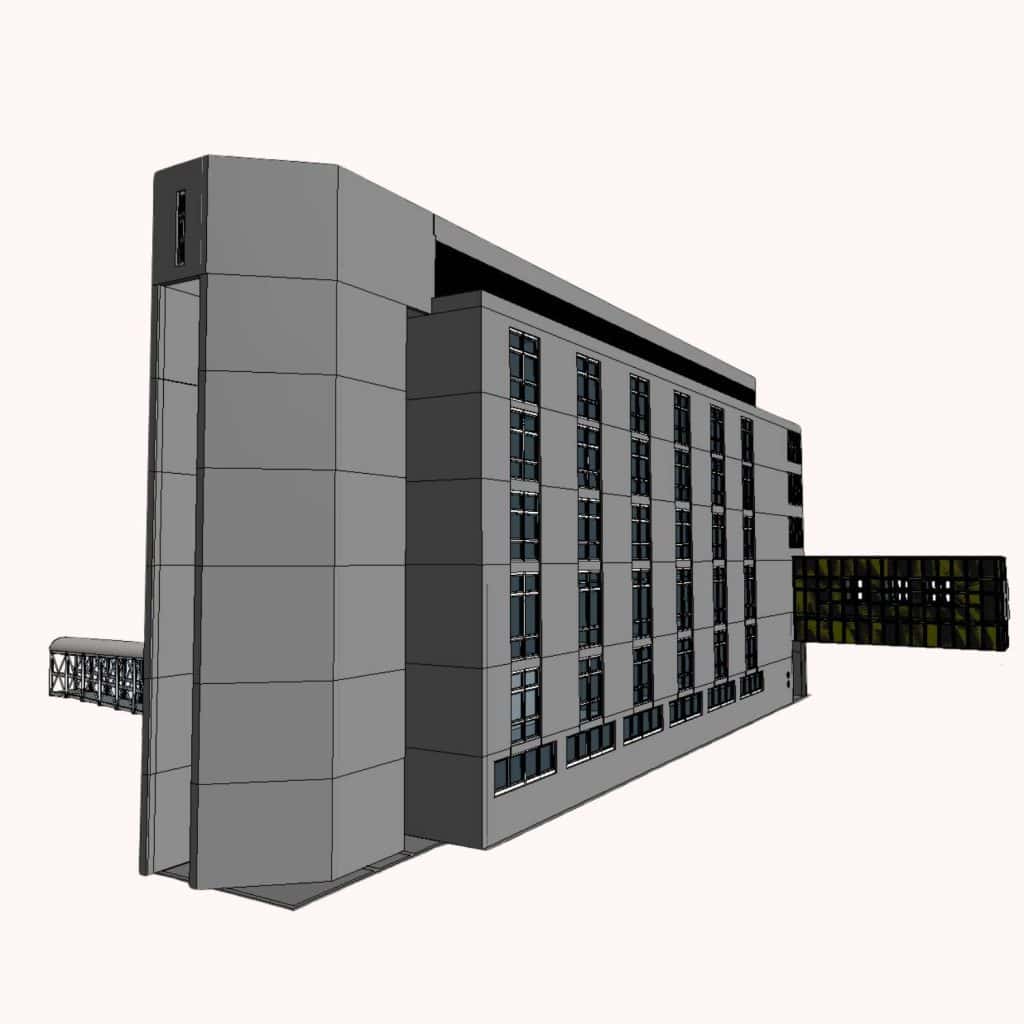
Clash detection is the process of using a 3D BIM model to automatically identify where elements from different disciplines occupy the same space. Software such as Navisworks federates models from architecture, structure and MEP, then runs rules to flag conflicts: a pipe through a beam, a duct in a wall, two trades sharing the same shaft. Each flagged item becomes a task to resolve in coordination.
Three Types of Clashes
- Hard clashes — two solid elements occupy the same space (a duct through a beam). These are non-negotiable.
- Soft / clearance clashes — an element violates a required clearance (e.g. a sprinkler too close to a luminaire). These protect access and maintenance.
- 4D / workflow clashes — elements share space at the same point in a construction schedule, even if they don’t ultimately collide.
How Clash Detection Works
- Federate the models. Architecture, structure and MEP are combined into one navigable view.
- Set the rules. Define which trades to compare, clearance tolerances, and what to ignore (e.g. interior partitions vs. structure).
- Run the test. The software produces a clash report — often thousands of items on a first run.
- Prioritise. Group clashes by trade and severity; ignore noise (false positives are common).
- Resolve. Trades meet, agree on the fix, update their models, and re-run.
Why Accurate Source Data Matters
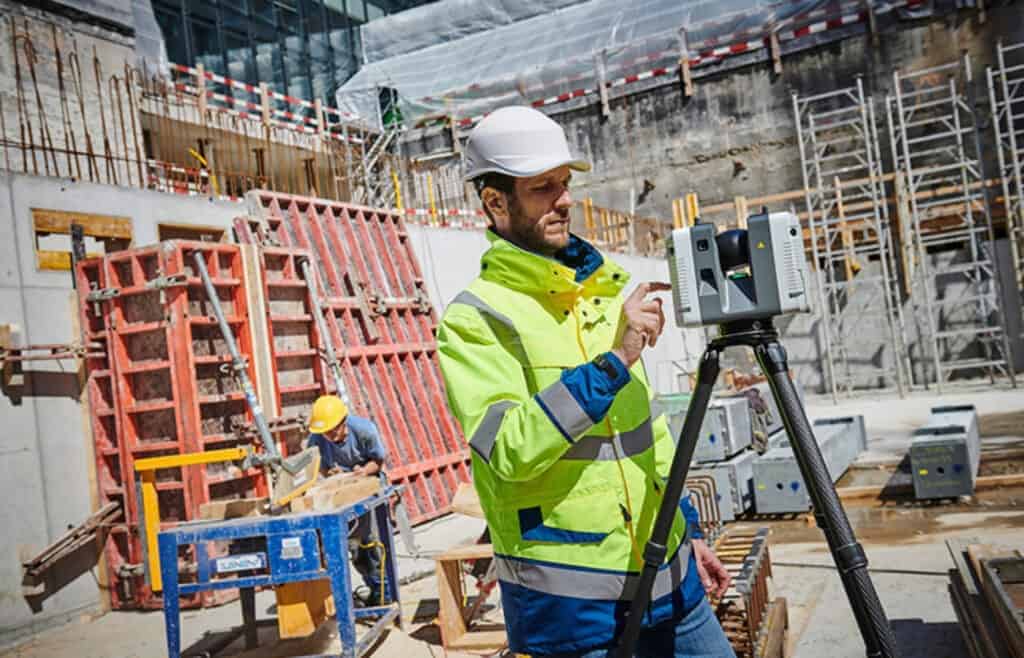
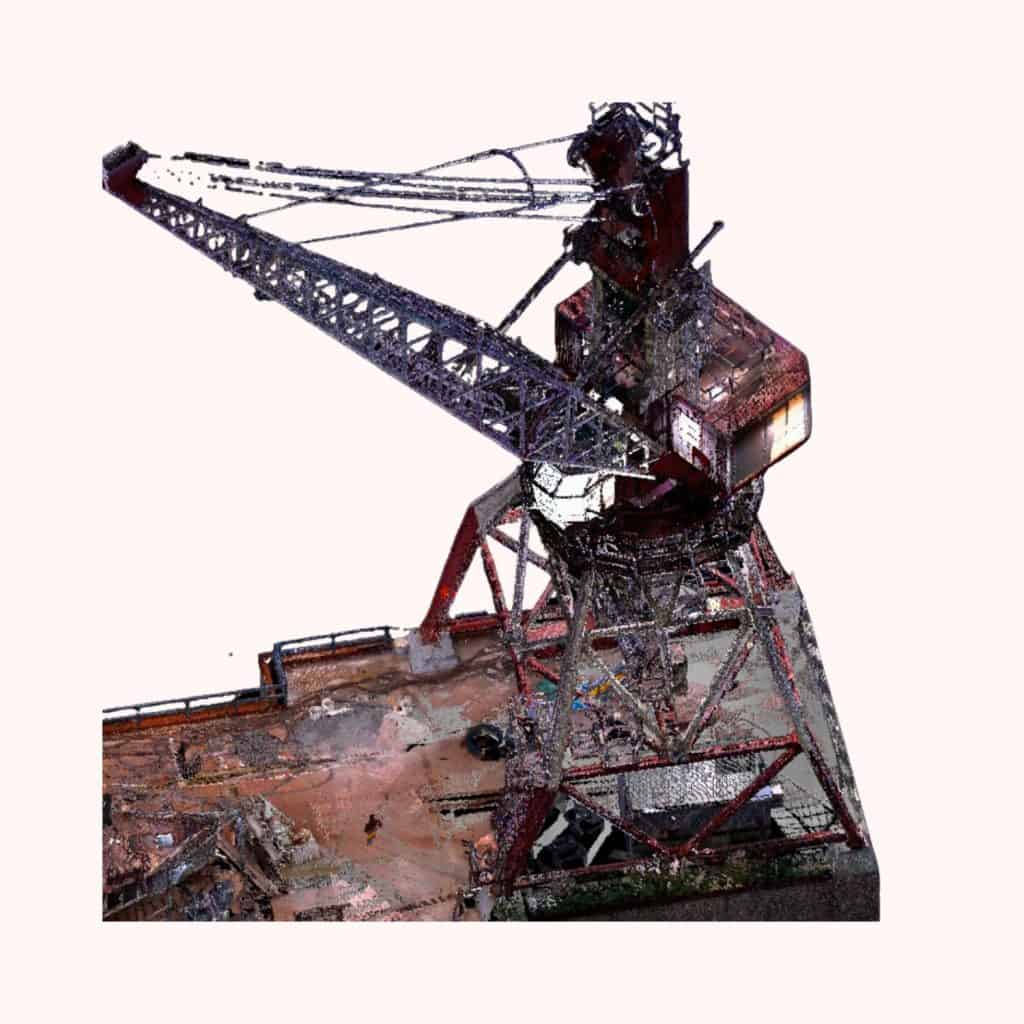
Clash detection is only as good as the underlying models. On a renovation that means starting with an accurate scan-to-BIM model built from a 3D laser scan — not a guess at what’s behind the ceiling. The right level of development (LOD) matters too: clash detection needs at least LOD 300 to be meaningful.
What Good Clash Detection Looks Like
- The number of unresolved clashes trends down each coordination cycle.
- Each unresolved clash has a clear owner and target date.
- Site reports few or no field clashes once construction starts.
- The coordinated model is kept up to date as changes happen.
Catch Clashes Before They Reach Site
simpleSCAN 3D delivers accurate scan-to-BIM models ready for clash detection — so MEP coordination starts from measured reality.
Frequently Asked Questions
What is clash detection in BIM?
The use of a federated 3D model to automatically find places where elements from different disciplines occupy the same space, so the conflicts can be resolved before construction.
What are the main types of clashes?
Hard clashes (two solid elements collide), soft clashes (a clearance is violated) and 4D/workflow clashes (schedule conflicts that share space at the same time).
Which software is used for clash detection?
Navisworks is the industry standard; Revit and Solibri also run clash checks. The choice usually follows the rest of the project’s BIM stack.
What LOD is needed for clash detection?
At least LOD 300 — accurate geometry with real dimensions. Lower LODs miss too much for the results to be trusted.