Every construction project ends differently from how it started on paper. Walls move, mechanical runs get rerouted, and last-minute field decisions rarely make it back into the design set. As-built documentation closes that gap.
It is the accurate, verified record of how a building was actually constructed — not how it was planned. At simpleSCAN 3D we produce as-built documentation from high-density 3D laser scans, so architects, engineers and facility managers can work from reality instead of assumptions. This guide explains what as-built documentation is, how it is created today, and why it has become essential to renovation, facility management and BIM workflows.
What Is As-Built Documentation?
As-built documentation is a set of drawings, models and data that records the final, in-place condition of a building or structure once construction or renovation is complete. Where the original design drawings show what was planned, as-built documents show what was built — including every field modification, dimensional change and as-installed system route. In practice it becomes the single source of truth for future renovations, space planning, maintenance and compliance.
As-Built vs. As-Designed: What’s the Difference?
The two are easy to confuse, but the distinction is the whole point of as-built documentation.
| As-Designed (design intent) | As-Built (built reality) |
|---|---|
| The architect’s and engineer’s drawings issued for construction. | Drawings and models updated to reflect what was actually constructed on site. |
| Represents the plan before any field changes. | Captures deviations: relocated walls, rerouted MEP, structural adjustments. |
| Quickly becomes outdated once work begins. | Remains the reliable reference for the building’s entire life cycle. |
Why As-Built Documentation Matters
Accurate as-built records protect a project long after the contractor leaves. The biggest benefits are:
- Renovation and retrofit accuracy — designers start from real dimensions, not guesses, eliminating costly surprises during demolition.
- Fewer change orders and less rework — clashes are caught on screen instead of on site.
- Facility and asset management — reliable plans feed CAFM/CMMS systems and support space, maintenance and compliance planning.
- Regulatory and safety compliance — authorities and insurers increasingly expect an accurate record of as-built conditions.
- A foundation for a digital twin — as-built data is the starting point for an ongoing, queryable model of the asset.
How As-Built Documentation Is Created with 3D Laser Scanning
Traditional as-builts were redlined by hand — slow, labour-intensive and prone to human error. Modern as-built documentation is created with 3D laser scanning, which captures millimetre-accurate reality in hours rather than days. The workflow is straightforward:
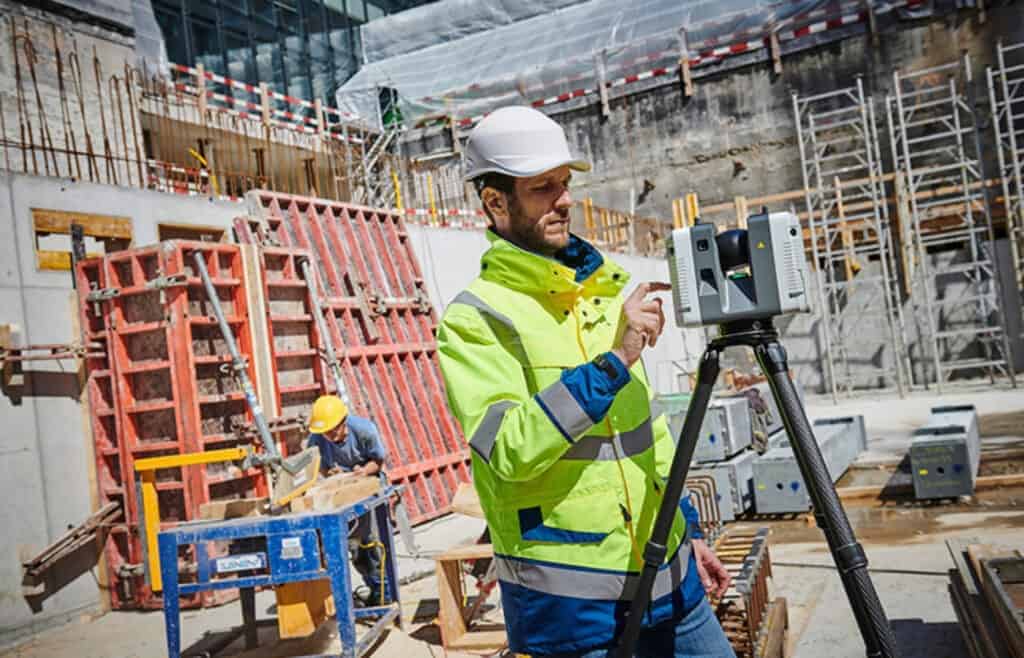
- Scan the site. A specialist captures the building with a high-density 3D laser scanner such as the Leica RTC360, recording millions of measured points per second.
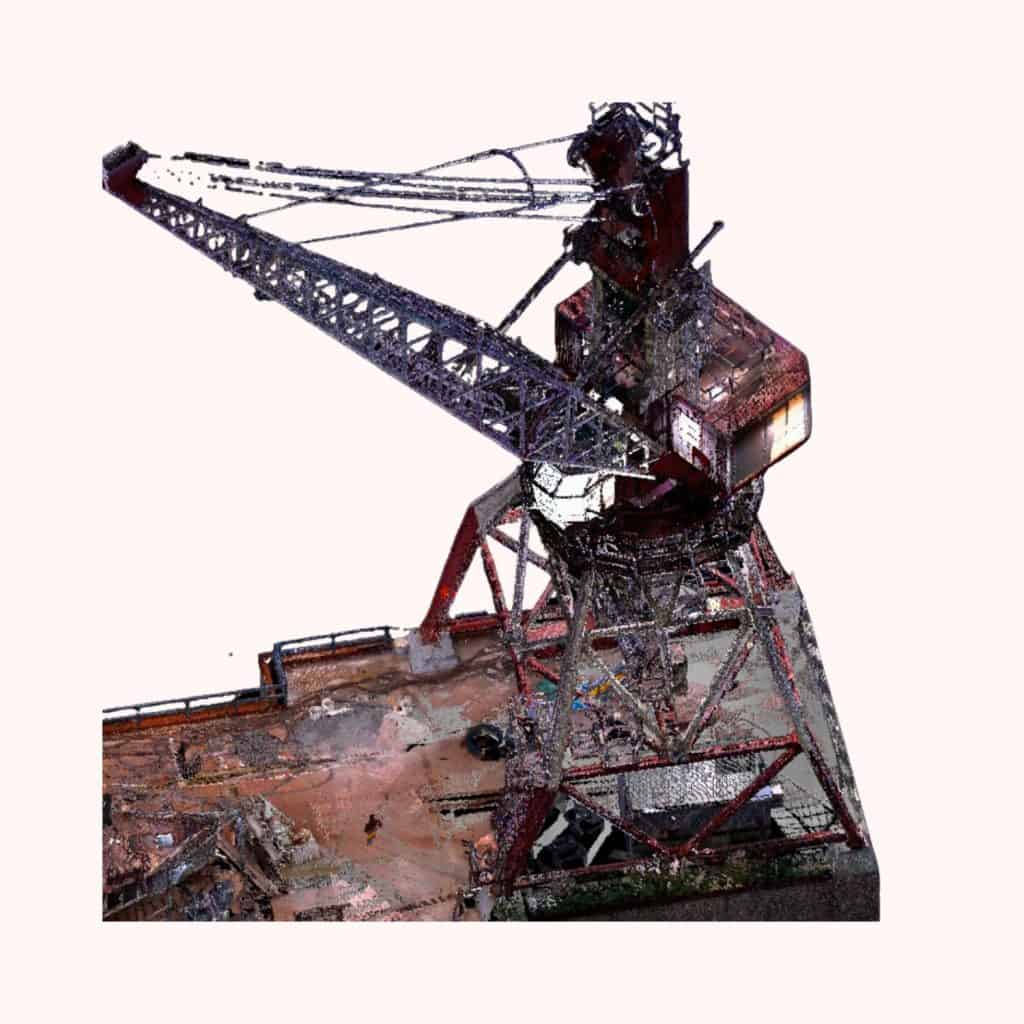
- Register the point cloud. Individual scans are aligned into a single, unified point cloud — a precise 3D record of the real conditions.
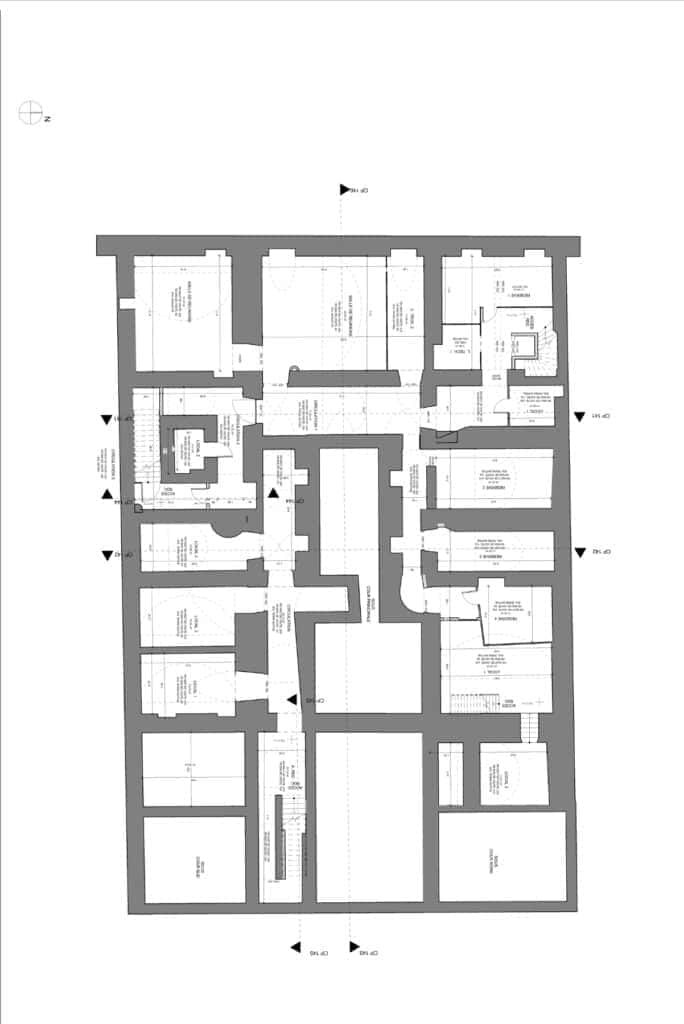
- Produce as-built drawings. From the point cloud we generate accurate 2D floor plans, elevations, sections and reflected ceiling plans.
- Build the as-built BIM model. The same data drives a 3D BIM model in Revit, ARCHICAD or IFC for design and coordination.
- Quality-check against tolerance. Deliverables are verified against the point cloud so you know exactly how accurate they are.
Types of As-Built Deliverables
“As-built documentation” can mean several deliverables, often supplied together:
“As-built documentation” can mean several deliverables, often supplied together:
- Point cloud — the raw, measurable reality of the site (E57, RCP).
- 2D as-built drawings — plans, elevations and sections (DWG, PDF).
- 3D as-built BIM model — an intelligent model in RVT, PLN or IFC.
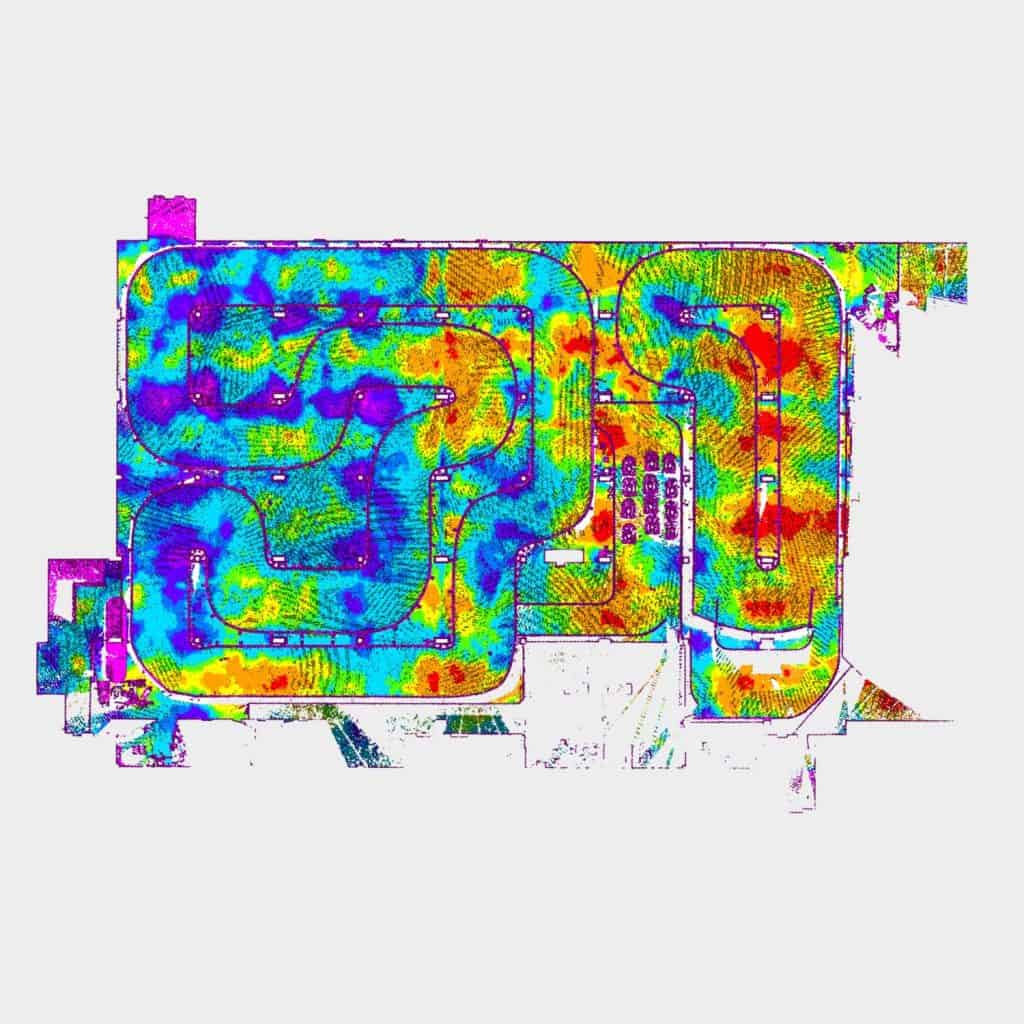
- Deviation analysis — a comparison of built reality against the design model, highlighting where the two diff
As-Built Scanning vs. Traditional Field Measurement
Tape measures, disto lasers and hand sketches still work for a single room, but they break down on complex or large sites. As-built scanning captures everything in the scanner’s line of sight at once, so nothing is missed and there is no need to return to site for “one more measurement.” The point cloud is also a permanent record — if a question comes up months later, the answer is already in the data. The result is faster fieldwork, fewer errors and as-built documentation you can actually trust.
Industries That Rely on As-Built Documentation
As-built documentation is used wherever decisions depend on knowing the true state of a structure: architecture and design, general contracting, MEP engineering, facility and property management, heritage and restoration, and industrial or plant environments where dense piping and equipment make manual measurement impractical.
Frequently Asked Questions
What is included in as-built documentation?
Updated floor plans, elevations, sections and reflected ceiling plans, plus the as-installed routes of structural, mechanical, electrical and plumbing systems. Modern deliverables also include the raw point cloud, 2D as-built drawings (DWG/PDF) and a 3D as-built BIM model.
How accurate is laser-scanned as-built documentation?
A high-density 3D laser scanner such as the Leica RTC360 captures the site to within a few millimetres — far more accurate than hand measurement or marked-up design drawings.
How long does as-built scanning take?
Field scanning is fast: most buildings are captured in a few day. The bulk of the time is processing — registering the point cloud and producing the drawings or BIM model — which usually takes from a few days to a couple of weeks depending on size and detail.
What file formats do you deliver?
E57 and RCP for the point cloud, DWG and PDF for 2D as-built drawings, and RVT, PLN or IFC for the 3D as-built BIM model, depending on your platform.
Are as-built drawings and an as-built survey the same thing?
Related but not identical. An as-built survey is the measurement step that captures real conditions; as-built drawings are the deliverable produced from it. With 3D laser scanning, the scan is the survey and the drawings or BIM model are generated from the point cloud.